How to Master Your Digital Space: A Guide to Focused Productivity
Digital clutter drains your mental energy. Learn how to reclaim your focus by systematically organizing your devices and reducing digital noise.
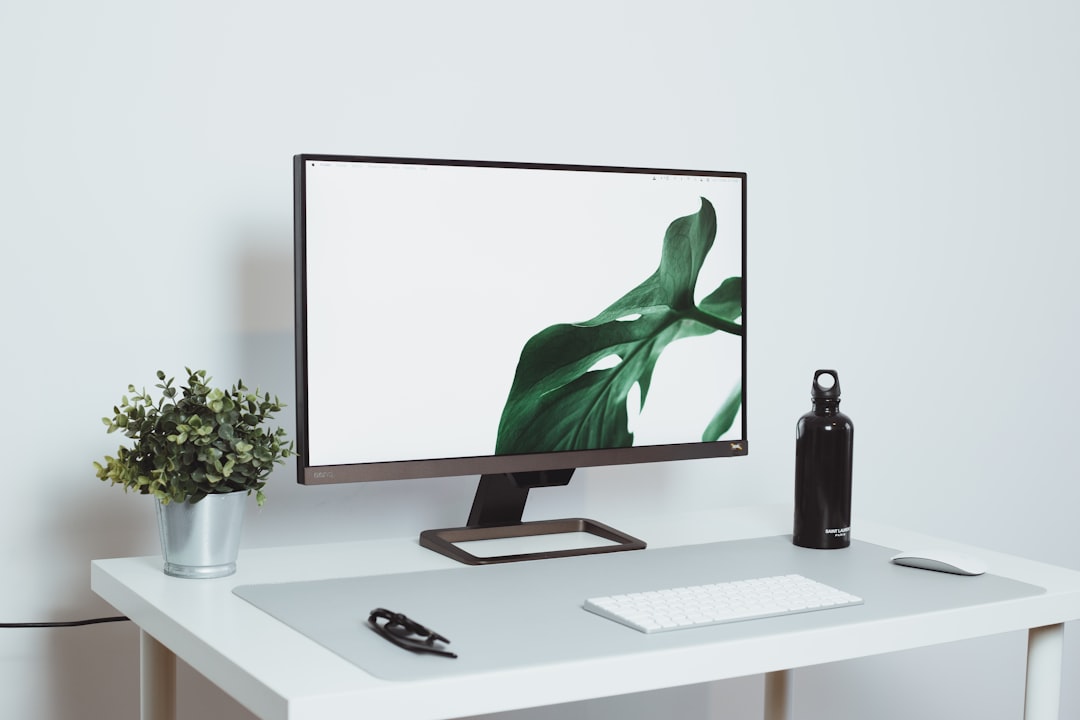
In our modern world, your digital environment is just as significant as your physical home. When your desktop is cluttered with hundreds of files and your inbox holds thousands of unread messages, your brain is constantly processing low-level background noise. This digital accumulation leads to anxiety and reduced cognitive capacity. It is time to reclaim your focus by performing a deep digital reset.
1. Mastering File Organization
Start with your computer desktop. Every file that hasn't been accessed in the last six months should either be archived or deleted. Implement a simple, hierarchical folder structure based on broad categories like Projects, Finances, and Archive. Avoid a "Miscellaneous" folder, as it inevitably turns into a digital trash bin that ruins your filing system.
- Use duplicate file finder software to clear redundant storage space.
- Adopt a strict naming convention, such as YYYY-MM-DD-filename, to make searching effortless.
- Leverage cloud storage strategically to keep your local drive light and fast.
2. Email Management Tactics
Email is often the biggest distraction. Aim for a state of "Inbox Zero" or at least a highly filtered system. This does not mean deleting everything; it means making a conscious decision for every single email: act, delegate, defer, or archive. Use rules and filters to automatically send newsletters and automated notifications to secondary folders that you check only when you have designated time.
Email is a convenient way for others to put their agenda into your schedule, so learn to manage it intentionally rather than letting it control your workflow.
3. App and Notification Optimization
Your phone's notifications are the primary thieves of your attention. Turn off every notification that is not related to direct human-to-human communication. If an app is not essential for your work or health, it shouldn't be allowed to interrupt your day with a red badge or a sound alert.
- Delete all applications you have not opened in the last 30 days.
- Group essential apps into thematic folders to reduce visual friction on your home screen.
- Utilize the "Do Not Disturb" schedule consistently during deep work blocks.
4. Sustaining Digital Hygiene
Cleaning is not a one-time event; it is a lifestyle. Schedule a weekly 15-minute "digital audit" to organize new files, clear your downloads folder, and unsubscribe from newsletters that no longer serve you. This habit prevents the clutter from accumulating in the first place.
Clearing your digital space is as much a psychological task as it is a technical one. When you regain control over your digital tools, you free up mental bandwidth for the tasks that truly matter in your real life. Start small today, choose one folder or one account to clean, and experience the immediate sense of relief that follows.